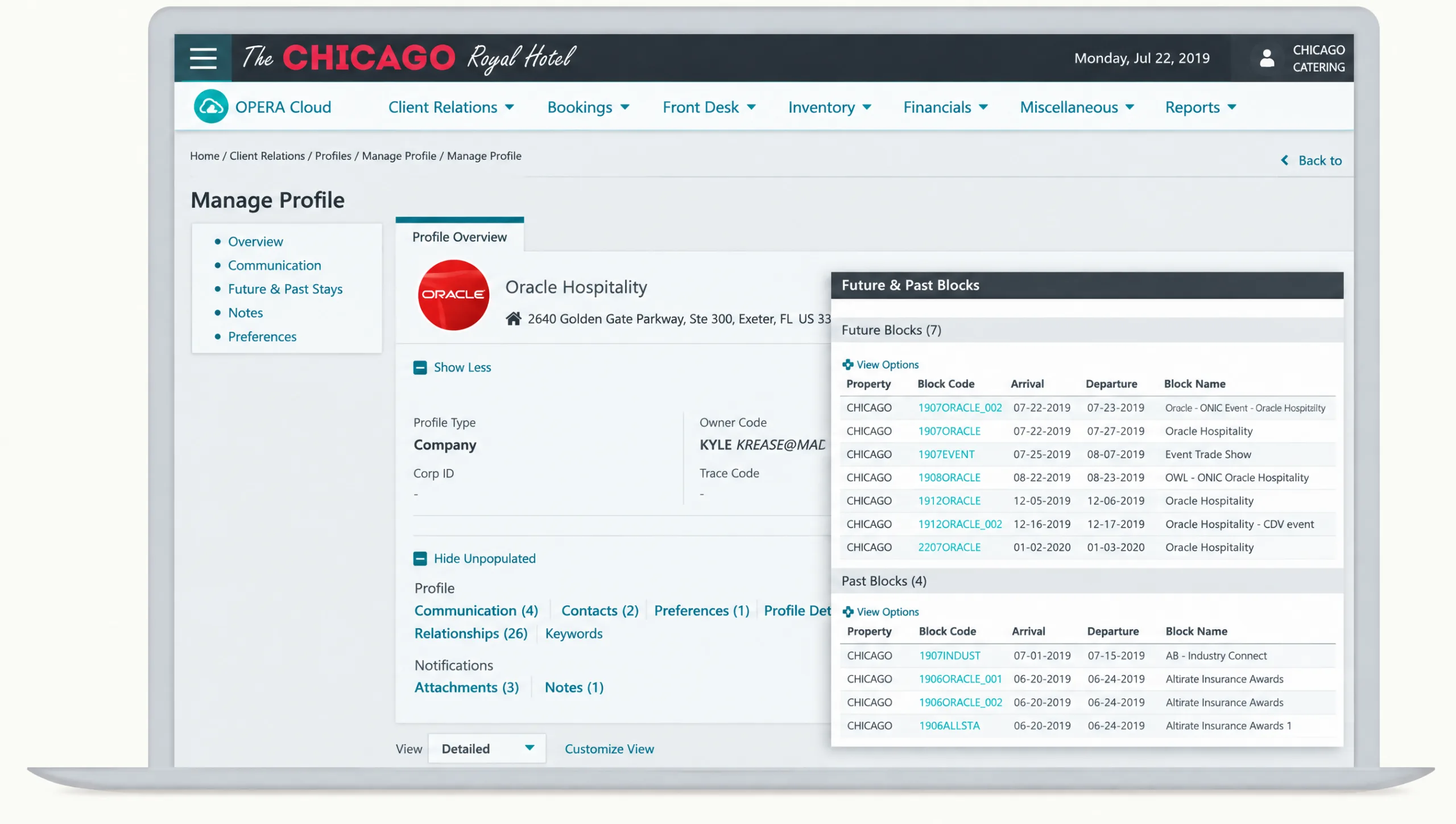
Working Smarter with OSEM: Tricks and Shortcuts for Sales and Catering Teams
In Oracle OPERA Cloud Sales and Event Management (OSEM), several built-in workflow shortcuts and configuration tricks are often overlooked by hotel sales and catering teams, even though they dramatically reduce clicks and data entry.
Here is a deep dive into six of them.
Zero-Night Blocks via “Quick Events”
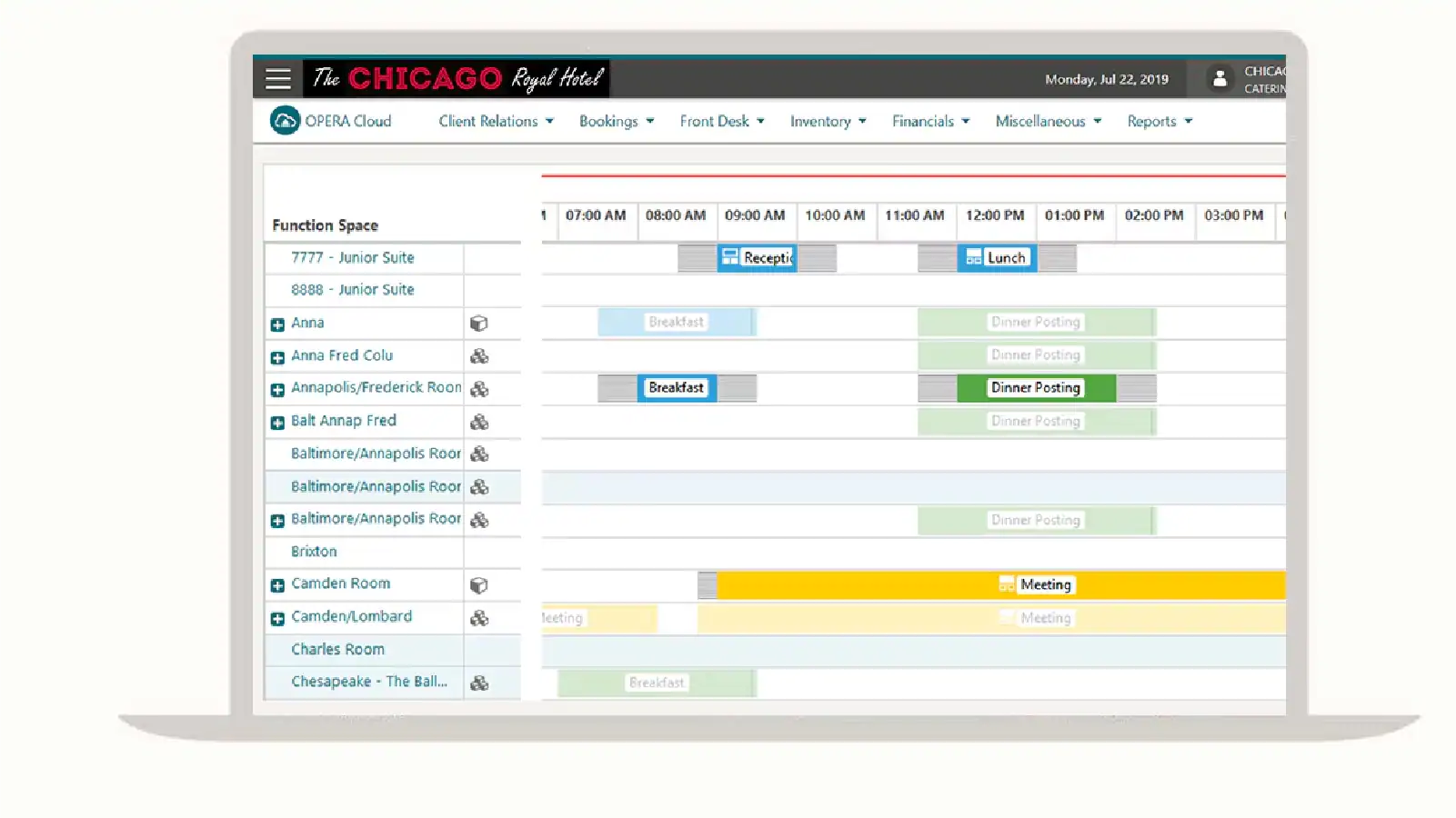
Instead of building a group block first and then attaching catering events, highlight a time slot directly on the Function Diary and select Quick Event.
OSEM generates a zero-night group block in the background. If the client later needs sleeping rooms, open Manage Block and add the room allocation without rebuilding or relinking your Banquet Event Orders (BEOs).
“Quick Insert” Codes for Event Resources
Scrolling through the Item and Menu drawers for standard audio-visual gear or recurring coffee breaks slows down event detailing.
Pre-configure unique Quick Insert numbers or template names for frequently booked resources. Typing the code into the Quick Insert link on the Event Resources screen drops the item or menu straight into the event with default pricing, attendee counts and revenue streams intact.
Visual Menu Indicators & Consumption Tracking
Inside the Event Resources screen, OSEM shows subtle letter tags next to menu titles: C for consumption-based menus and M for multi-choice menus.
Checking for the C tag ensures banquet captains and billing teams know which items need post-event actualisation counts rather than flat per-person billing.
Outdoor Backup Space Linking
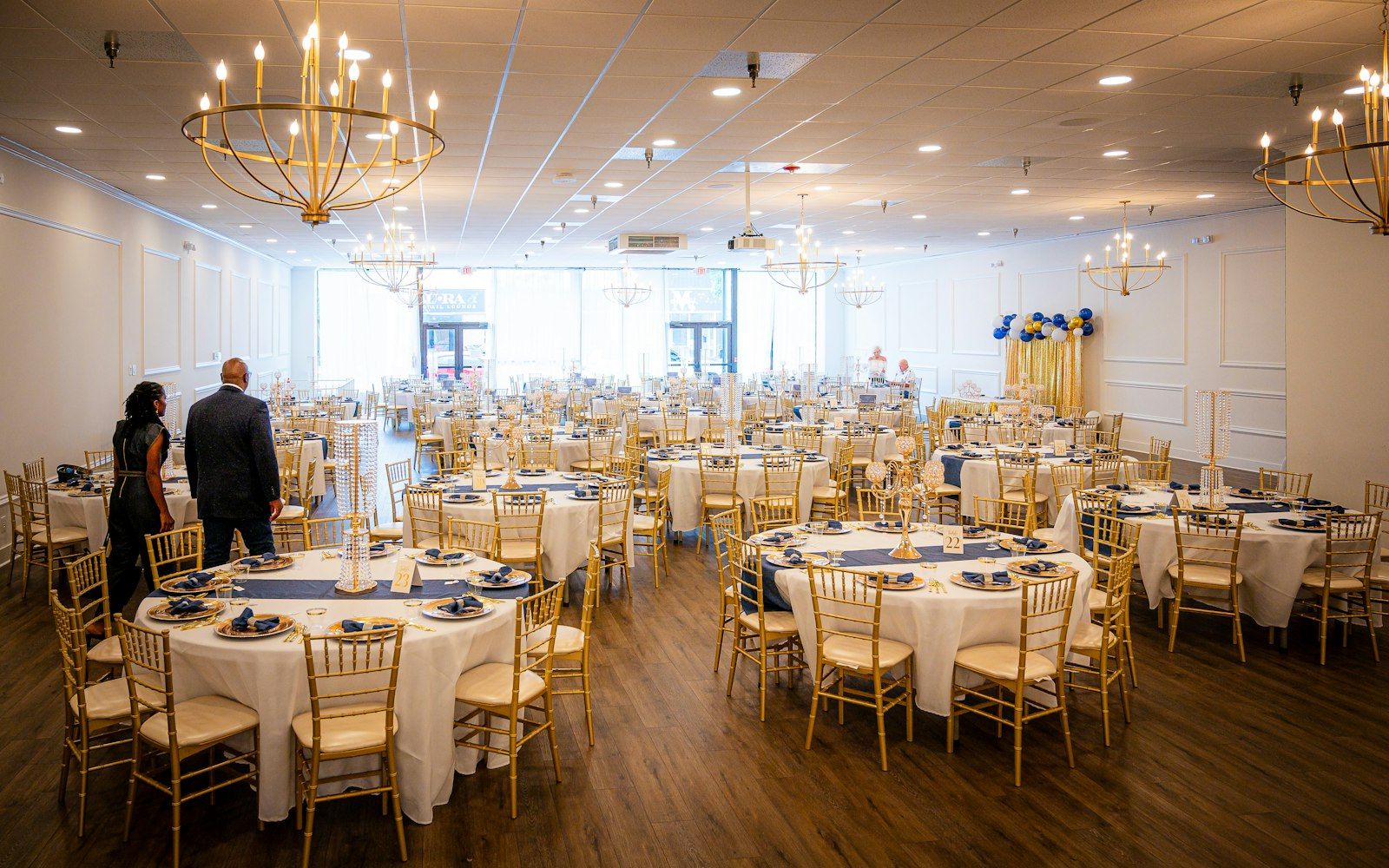
When booking a terrace, poolside or garden area in the Function Diary, attach a designated indoor backup space directly to the primary event.
The system holds the indoor contingency space alongside the outdoor space, so another sales manager can’t accidentally sell your rain plan.
Persistent Screen & Dashboard Tile Customisation
OSEM remembers each user’s field layouts and views across sessions and devices. Hiding unused fields on the Block Presentation and Event Presentation screens cuts down on scrolling.
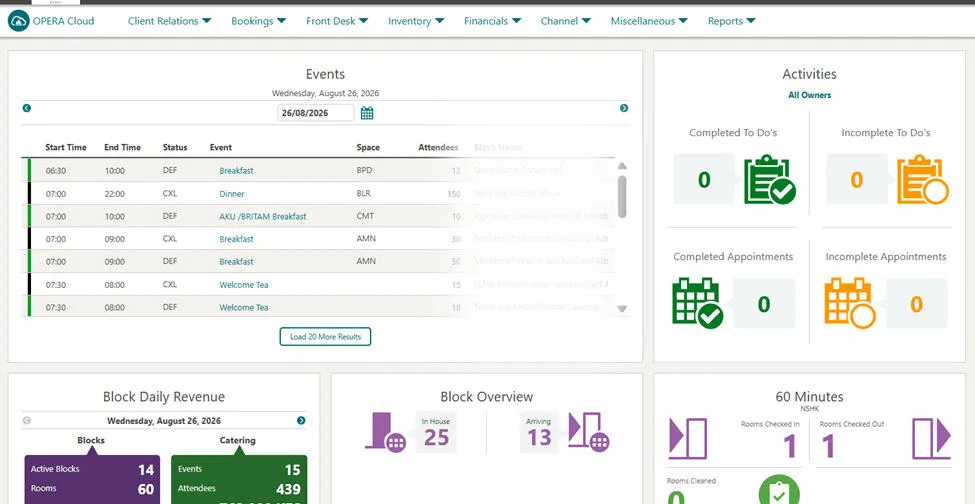
Customise your OPERA Cloud home screen with Dashboard Tiles for daily sales activities, upcoming trace and follow-up appointments, and real-time function space availability.
Mobile “Site Inspection” Mode
Because OSEM is cloud-native and works on any device, you can run the full interface on a tablet while walking a client through ballrooms or outdoor venues: check real-time inventory, apply “Do Not Move” or “Loud Event” indicators, and update room setups on the spot instead of taking notes back to a desktop.
Book an OSEM Walkthrough
Book a walkthrough date with us and we will show you the specific configuration steps and keyboard and workflow shortcuts tailored to your team’s daily tasks.
Book a WalkthroughStay informed on hospitality technology
Get the latest hospitality technology insights, product updates, industry news, upcoming events and practical tips from Novacom Systems Limited delivered straight to your inbox.
Join our Mailing List