Checks and Posting Service (CAPS): POS Redundancy During Internet Interruptions
Intermittent internet interruptions? Worry not. CAPS is designed with this in mind, helping support POS continuity when connectivity is disrupted.
In Oracle Simphony Cloud, CAPS stands for the Check and Posting Service. It is a critical architectural component that operates on-premises at a property, acting as a local link between individual point-of-sale (POS) workstations and the cloud-based Enterprise platform.
The value of CAPS lies in its ability to address a key vulnerability of cloud-based POS setups: network downtime and latency.
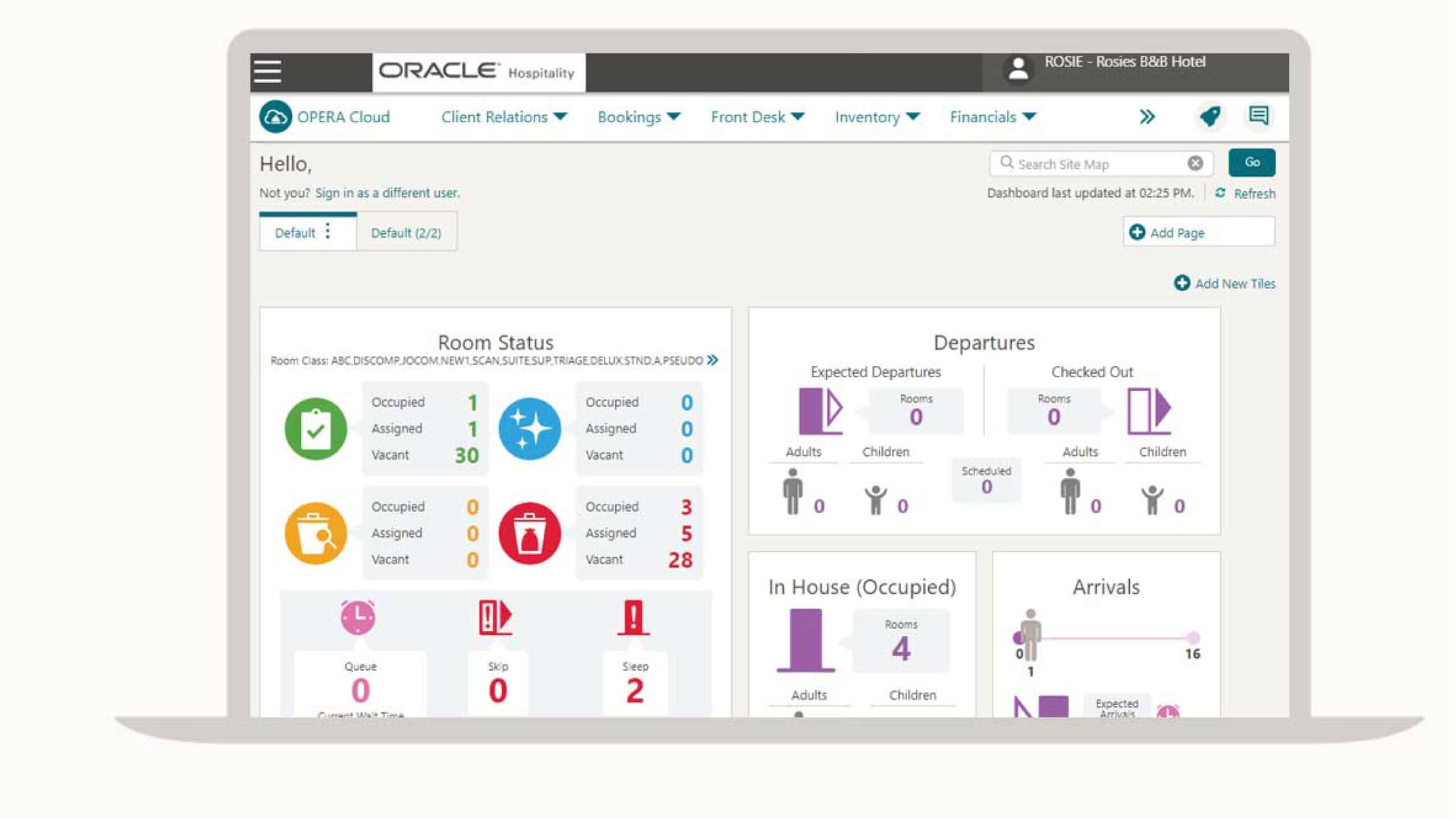
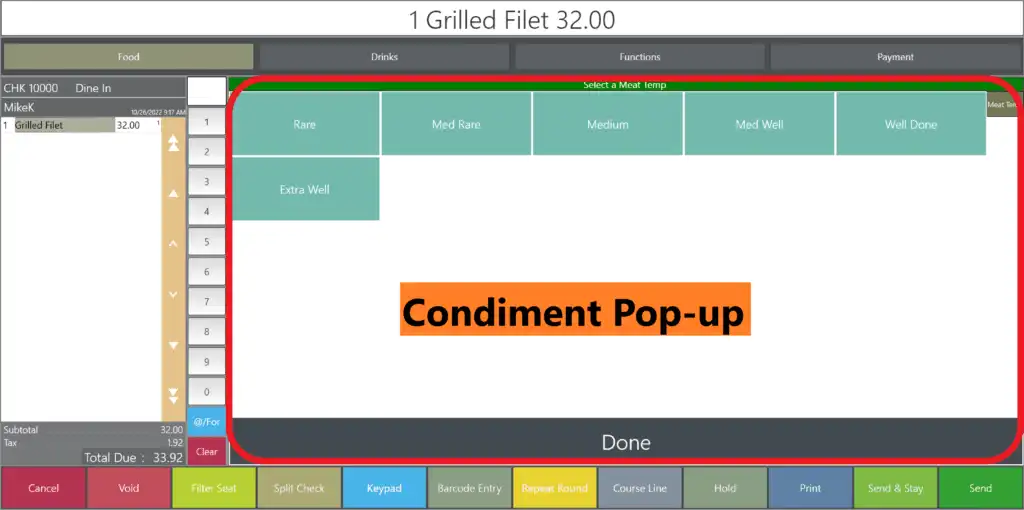
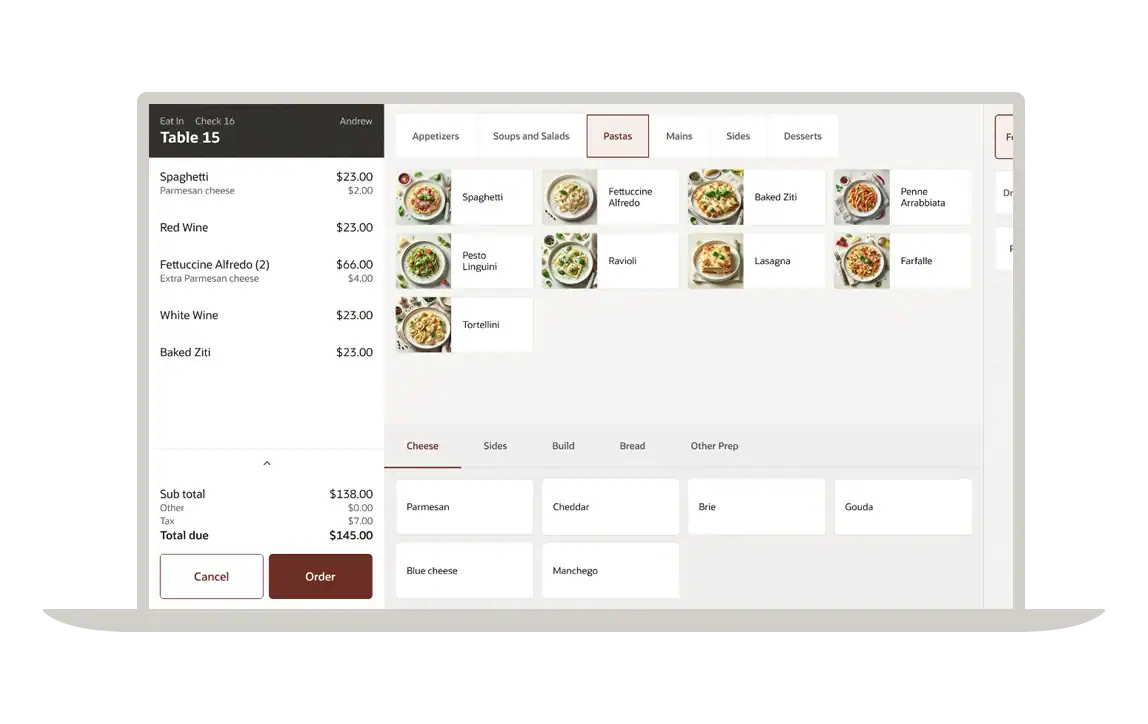
Illustrative representation of the CAPS architecture.
Why Must a Property Have CAPS On-Premises?
1. WAN Offline Resilience
If a property experiences an internet service provider (ISP) or wide area network (WAN) outage, the business does not have to grind to a halt.
- Local Continuity: Workstations can continue supported operations by communicating with the local CAPS instance.
- Data Safeguarding: CAPS locally stores supported transaction data, operations and cash totals.
- Automatic Synchronization: Once connectivity is restored, stored data can be synchronized with the cloud Enterprise system without manual intervention, according to the configured workflow.
2. Seamless Check Sharing and Arbitration
In a busy restaurant, hotel or stadium, multiple servers might need to access the same guest check. CAPS acts as a central coordinator for the property, maintaining records of check ownership and helping prevent data conflicts or duplicate orders by managing check updates.
3. High-Volume Performance Optimization
Cloud environments can experience performance pressure during peak operational periods, such as halftime at a professional sports stadium or a busy lunch rush. CAPS handles supported transaction activity locally. Instead of requiring every terminal to communicate directly with the remote cloud database for every operation, workstations post to CAPS locally, which manages the flow of data to the cloud.
Best Practice: Allocating sufficient RAM and CPU resources to your local CAPS server is an important part of maintaining POS performance during intense operational rushes.
How CAPS Is Deployed
Because CAPS manages active guest check information, it must be deployed within the property’s local infrastructure according to the supported Simphony architecture. It is not designed to be placed behind traditional round-robin cloud load balancers. Depending on the size and requirements of the operation, the configuration may take one of the following forms.
| Configuration Method | Ideal For | Database Type Used |
|---|---|---|
| POS Client Workstation | Smaller properties with low-to-moderate transaction volume. | Microsoft SQL Express |
| Windows Service | Mid-to-large operations requiring a dedicated local background service. | Microsoft SQL Server or Oracle Database |
| IIS Web Service | Enterprise-grade properties requiring a web-service deployment and high-availability arrangements. | Microsoft IIS with SQL Server or Oracle Database |
The supported configuration and database options should be confirmed against the property’s Simphony version and deployment requirements.
Supporting Reliable POS Operations with CAPS
Without CAPS and an appropriately configured local POS environment, a Simphony Cloud terminal may be more dependent on a continuous internet connection, leaving the business vulnerable to network interruptions.
With CAPS, businesses can benefit from cloud-based reporting alongside local transaction handling designed to support operational continuity.
Explore Your CAPS Configuration Options
Want to learn more about optimizing your current CAPS server configuration? Book a consultation with Novacom Systems Limited to explore the various CAPS configuration options in action.
Book a ConsultationStay Informed on Hospitality Technology
Get the latest hospitality technology updates, industry trends, educational resources, upcoming events and exclusive offers from Novacom Systems Limited.
Join our Mailing List